
Votes
Voting
Voting will only be available if the administrator opens a vote for members. Votes are visible to the administrator.
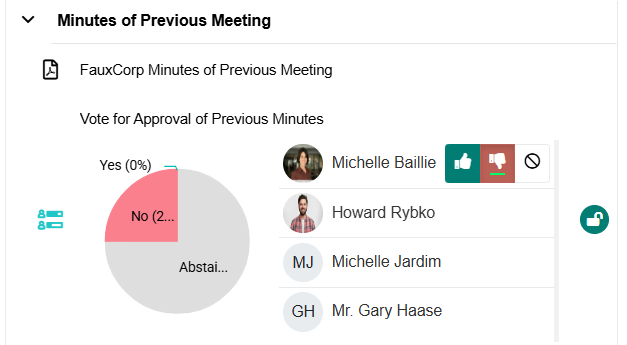
Please note that you may be assigned as a non-voting member. In this case, voting options will not be available to you, but you will still be able to view the meeting and its documents.
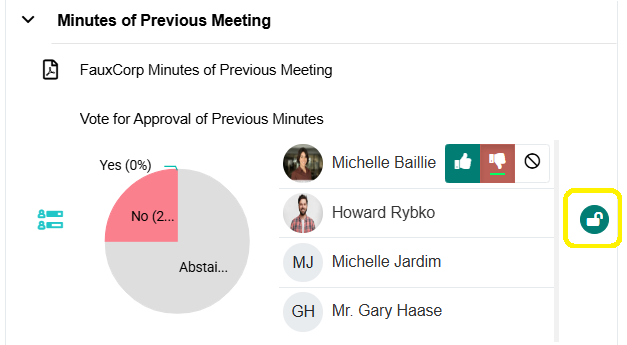
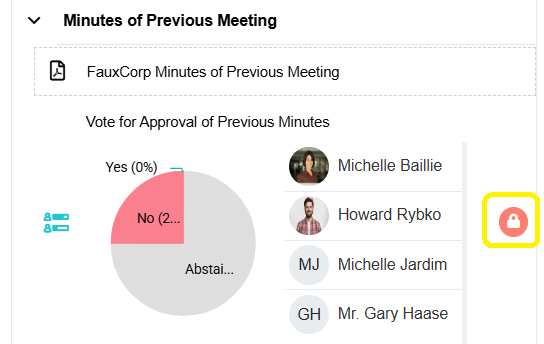
When voting is available, you can vote:
- Before the meeting
- During the meeting
To cast your vote:
- Click the thumbs up for Yes
- Click the thumbs down for No
- Click the circle with a line (No Entry sign) to Abstain

If required, the administrator can record or update a vote on your behalf (for example, if your vote is provided verbally during the meeting).