Forms
Getting Started with Forms
Forms in BoardCloud allow you to collect structured responses from board members, committees, and other stakeholders in a secure and trackable way.
They are commonly used for governance processes such as declarations, surveys, confirmations, and feedback.
This guide will help you understand how Forms work and how to get started quickly.
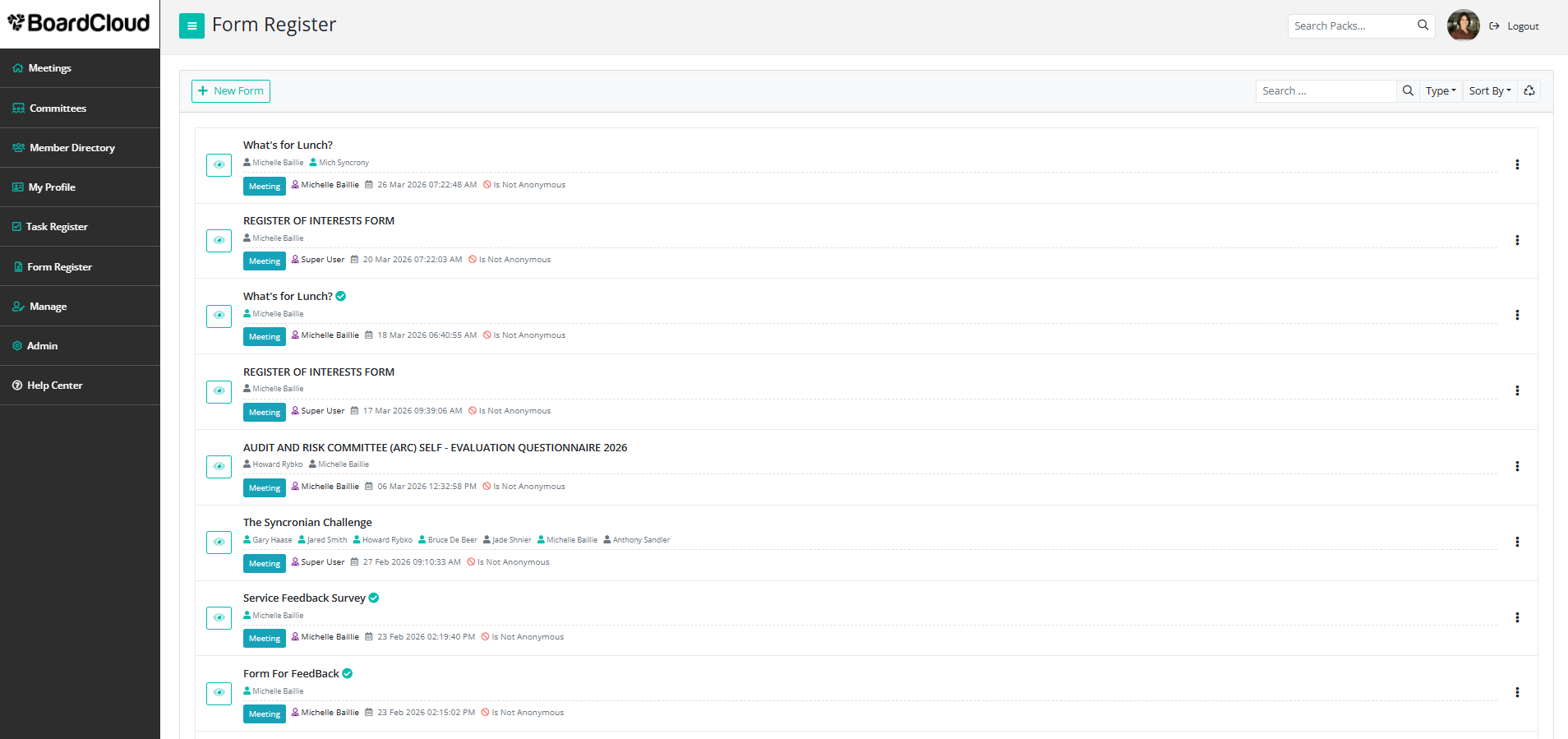
What are Forms used for?
Forms are designed to replace manual processes such as email responses, PDFs, and spreadsheets.
They ensure that responses are standardized, easy to review, and centrally stored.
Common use cases include:
- Declaration of Interests (annual or ad hoc)
- Board and committee surveys
- Meeting feedback forms
- Compliance confirmations
- Internal questionnaires and data collection
How Forms work in BoardCloud
There are two key steps when working with Forms:
1. Create a Form
Build your form by adding questions, structuring sections, and defining how responses should be captured.
2. Use a Form
Send the form to the relevant users, track responses, and review the results once submitted.
Need assistance?
If you are unsure how to structure your form or need help with a specific use case, please contact the BoardCloud support team for guidance.