
Reviewing & Using Responses
Review Responses
After users have submitted their forms, you can review and manage responses directly within BoardCloud.
Viewing Submissions
All form submissions can be viewed in one central location, making it easy to track participation and review completed responses.
From the Form Register area, you can:
- View all submitted responses
- Open and review individual submissions
- See which members have completed or not yet completed the form
- Access response information in an organized format
Reviewing Individual Responses
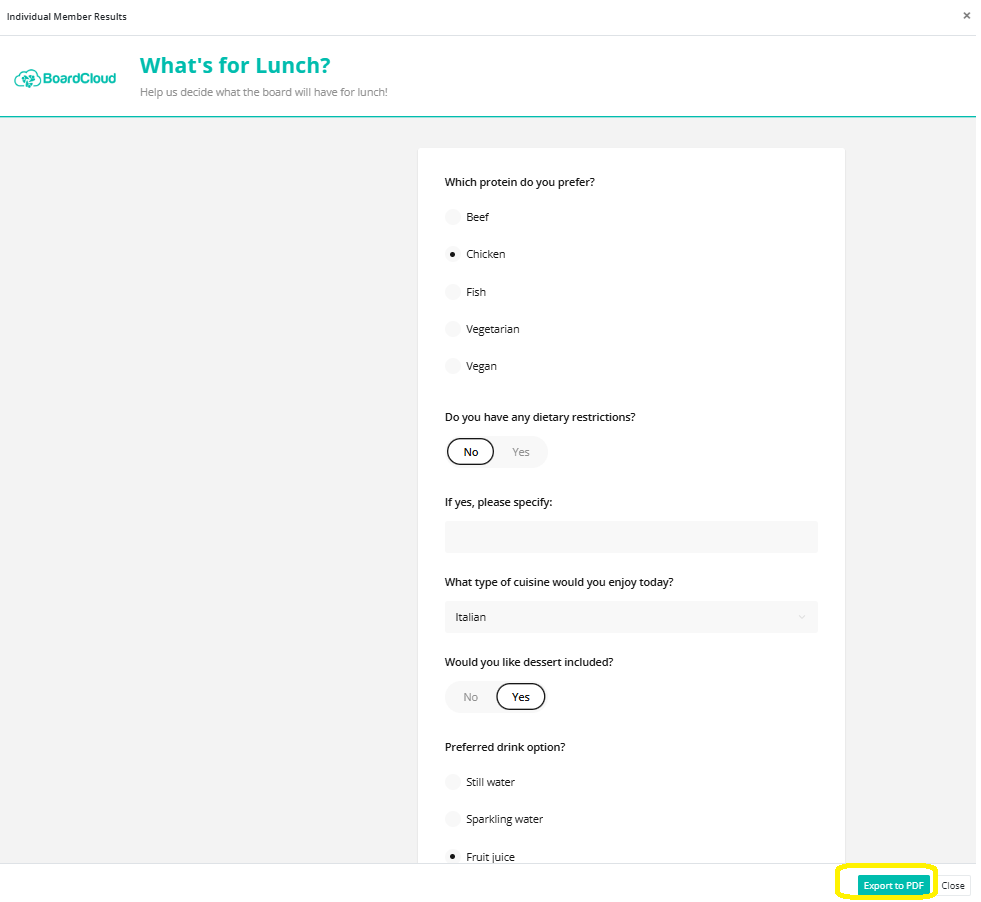
To view a specific submission, click on the name of the member who has completed the form (the member will have a green person icon next to their name). Please note that this option is unavailable for anonymous results.


Individual responses allow you to review answers in detail and are especially useful for checking declarations or disclosures submitted by members.
An example of an individual completed form is shown below. There is also an option to export it as a PDF if needed.
Reviewing All Responses
Detailed result views are covered in the following sections:
View Tabular Results
Learn how to review responses in a structured table format
View Chart Results
Learn how to visualize responses using charts and graphs
Exporting Responses
If required, responses can be exported in different formats. Learn more about them here.
You can also view results directly within the portal without exporting them.