
Bookmark Your Portal
Bookmark Your Portal
To make it easier to access your board portal in the future, you can bookmark the page in your web browser.
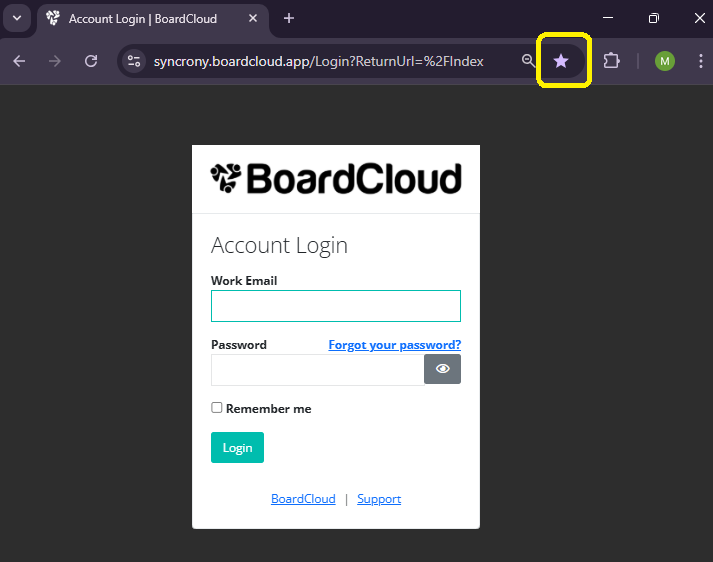
- Open your board portal in your browser.
- Click the star icon in the address bar at the top of your browser.
- Choose where you would like to save the bookmark (for example, your Bookmarks Bar) and give it a clear name such as Board Portal.
- Click Done.
You will then be able to access the portal quickly by clicking the bookmark whenever you need to log in.
Note: Bookmarking steps may vary slightly depending on your browser (e.g. Chrome, Edge, Safari).