
Navigating the Planner
Navigating the Planner

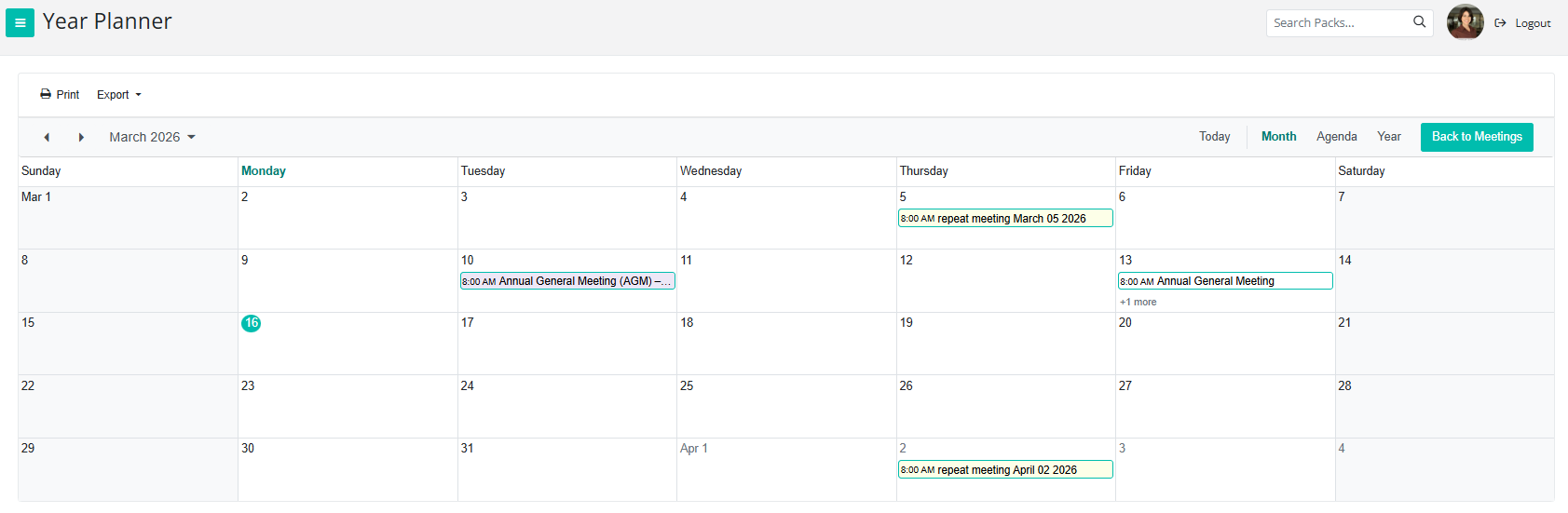
Use the navigation arrows to move to the previous or next month.
Click Today to quickly return to the current date.
Click the small calendar icon to open the Year Planner.
The Year Planner allows you to view your month, or even your entire year, at a glance, including both upcoming and past meetings.
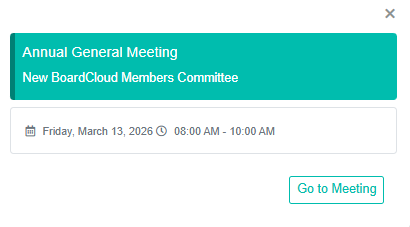
There is also an Agenda view, which uses the same layout as the calendar on the main meeting landing page (My Meeting Planner).
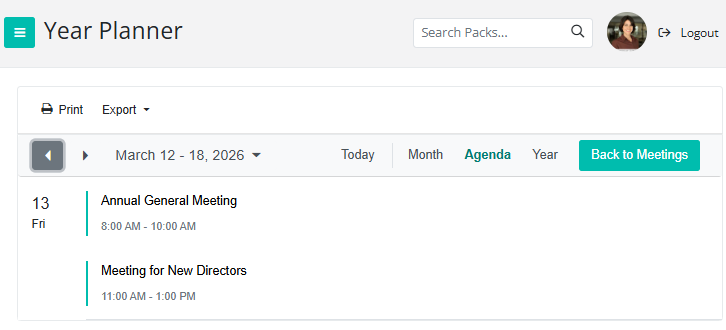
You can:
- Print the Year Planner
- Export it as an Excel spreadsheet
- Export it as an iCalendar file to upload to your personal calendar
You can click on any meeting within My Meeting Planner to open the corresponding meeting directly.