Meeting Dashboard
Meetings Dashboard
My Dashboard
This is the page you will land on when you log in from the URL.
See the login page to learn about the URL.
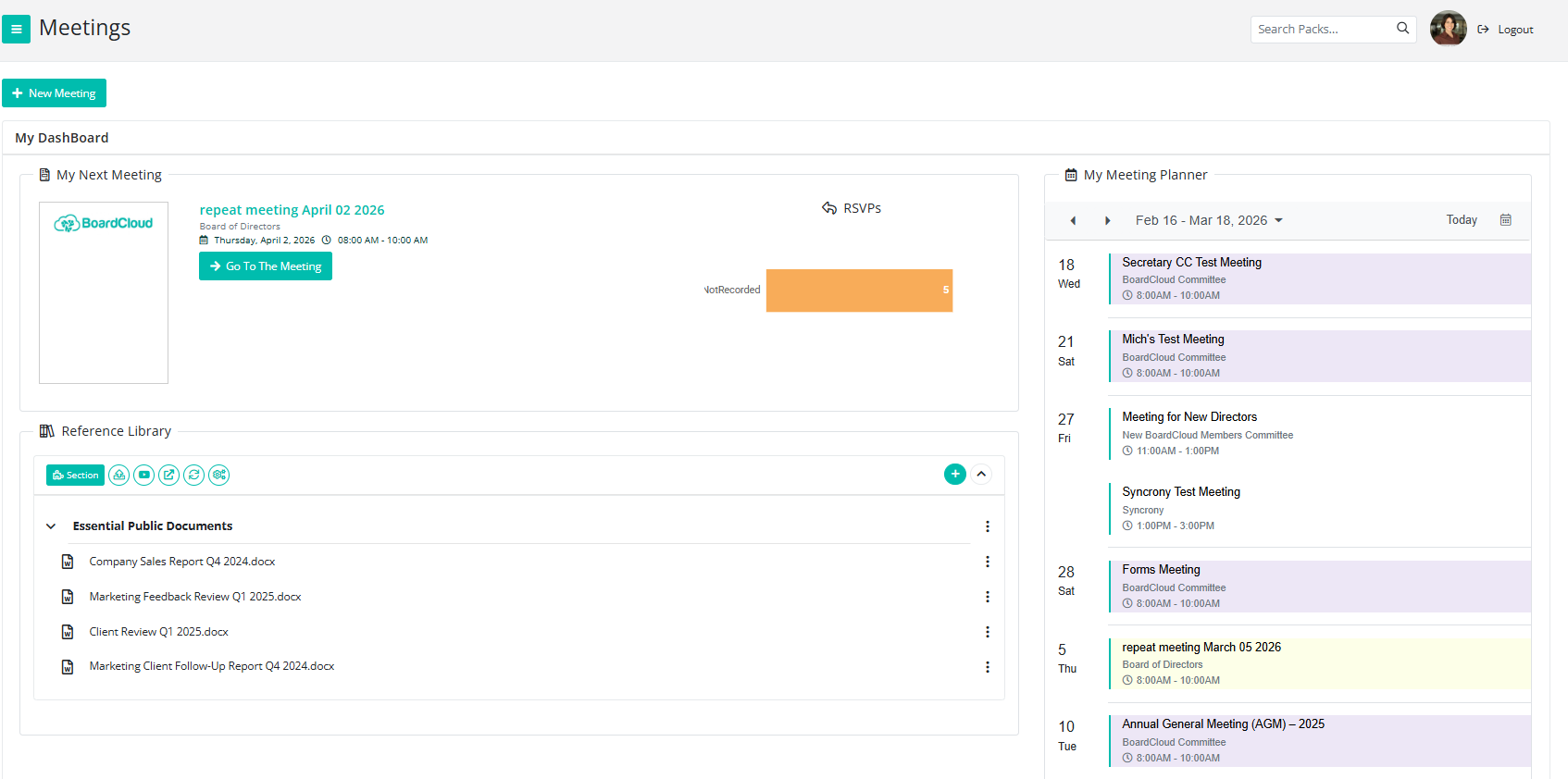
Your Dashboard will display your next upcoming meeting. If you have more than one meeting scheduled on the same day, the earliest upcoming meeting will be shown.
If there are no upcoming meetings, this section may appear empty.
To access the meeting, simply click on:
- The meeting name
- The board pack image
- The green “Go To The Meeting” button
All of these options will take you directly to that meeting.
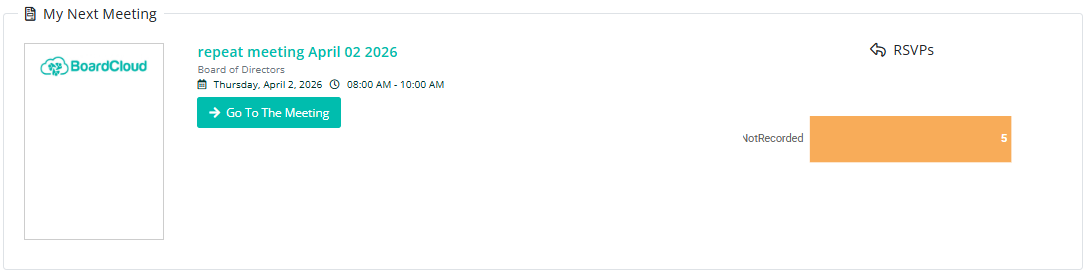
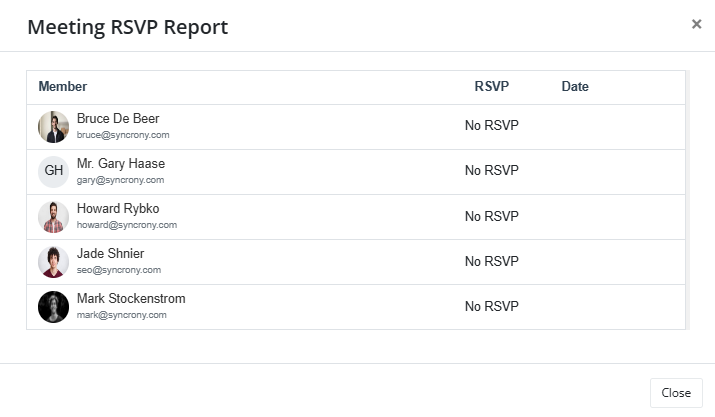
There is also an RSVP button. Clicking this will open a brief report showing which attendees have responded to the meeting invitation.