
How to Log Out
How to Log Out
On any page within the portal (Meetings, Committees, Member Directory, etc.), click the
Log Out option located in the top-right corner of the screen.
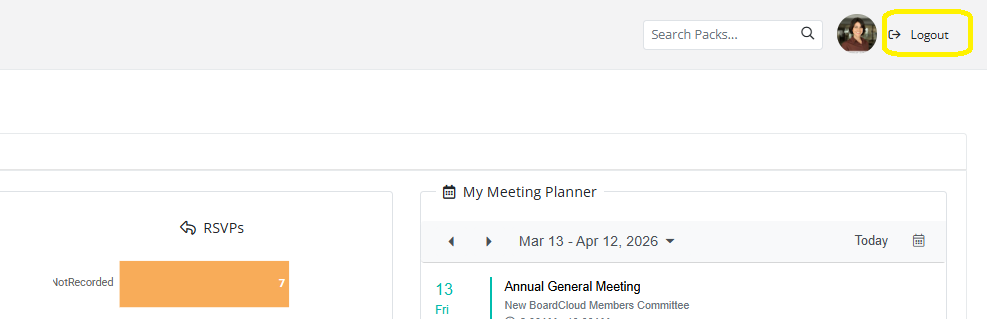
For security purposes, always log out when you have finished using the portal, especially on shared or public devices.
If you leave the portal inactive for a period of time, you may be automatically logged out for security reasons.