
Member Directory
Members Directory
This area displays all the members on your company portal, along with their email address and profile picture (if they have added one).
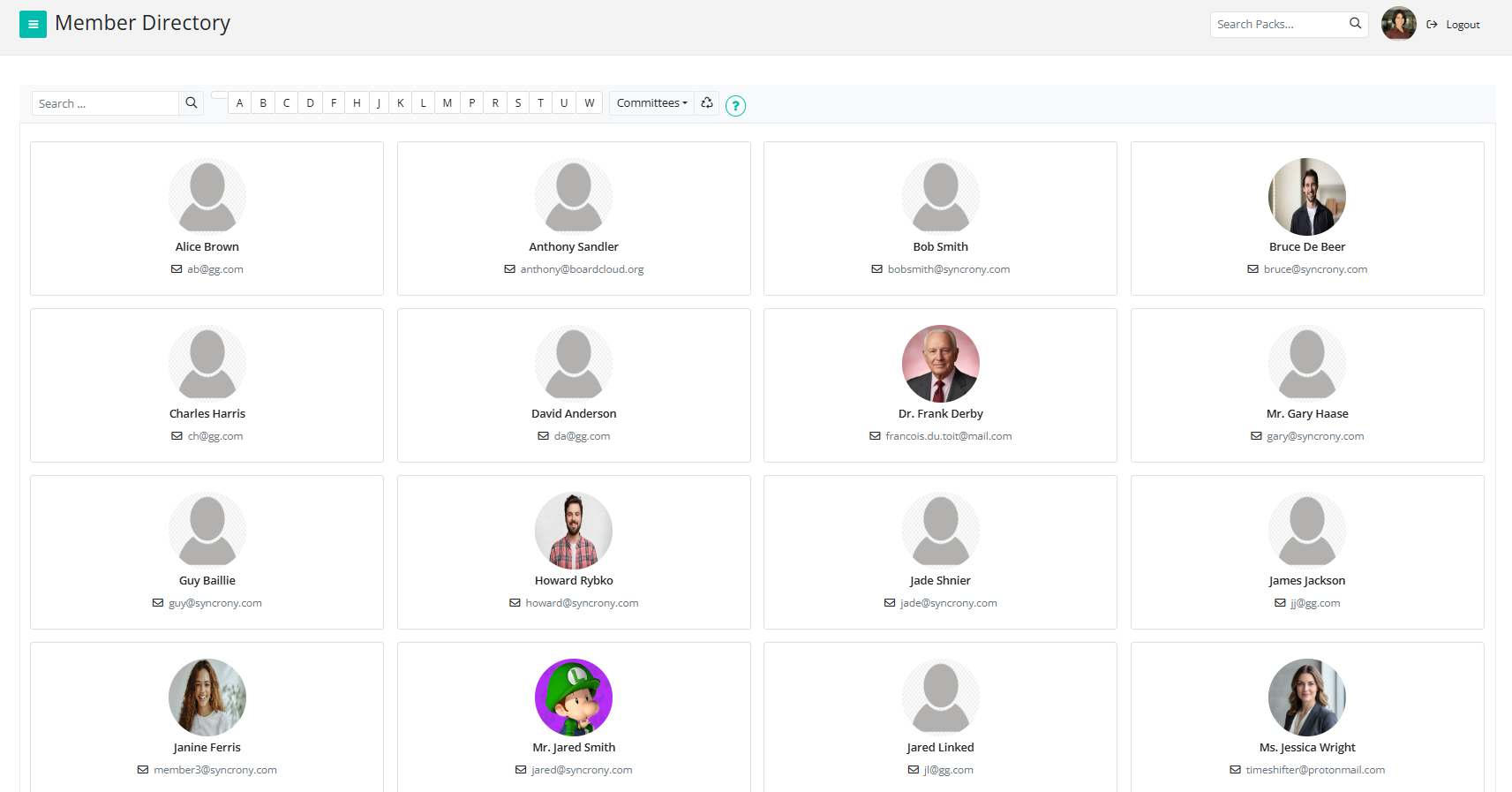
Some members may not appear in this list if they have chosen to hide their profile from the directory.
See My Profile to learn how to manage your profile visibility.
You can click on a member’s name to open their profile page and view more information about them.
See Member Profiles for more details about what can be viewed on a profile page.
You can use the Member Directory to easily find members within your organization. If you have a large number of members, use the search bar to quickly locate a specific person.
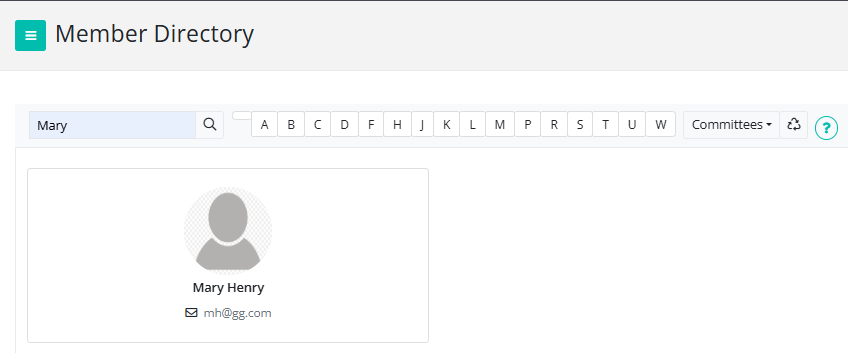
Filter members alphabetically by the first letter of their surname

Filter members by committee
