
An Unpublished Meeting (new)
Unpublished Meetings
When a meeting has not yet been published by an administrator, you may still have limited access to key information and actions. However, some content will remain unavailable until publication is complete.
What you can access
Even before a meeting is published, you can:
- RSVP to the meeting
- View invited members
- Open member profiles (if enabled)
- Access the online meeting link (e.g. Teams, Zoom, Google Meet)
- View uploaded meeting resources (if available)
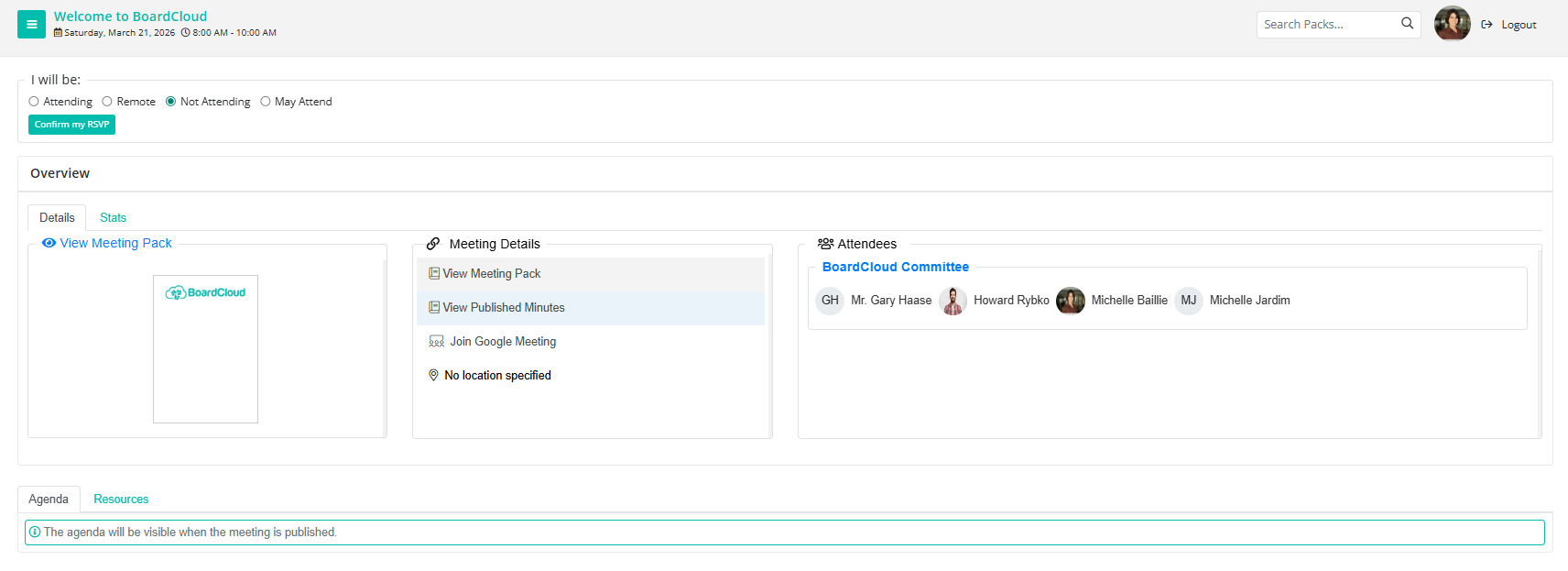
What you cannot access yet
Some content is only available once the meeting is published:
- Agenda items are not visible
- Board pack cannot be accessed
- Certain meeting content may still be hidden while the administrator finalizes the meeting
Meeting tools (availability varies)
The following features may appear, but are only available depending on publication status and configuration:
- Meeting Pack summary
- View Meeting Pack (once published)
- Published minutes (after meeting completion)
- Attendance register
- Voting (only when opened by the administrator)
Tasks
If a task is assigned to you:
- You will receive an email notification
- Tasks can be viewed in the Tasks Dashboard
- Tasks linked to unpublished meetings will not appear in the meeting itself until publication
Forms
- You will be notified when a form requires completion
- Forms cannot be completed until the meeting is published
Meeting Resources
Meeting resources may include supporting documents, policies, and reference materials.
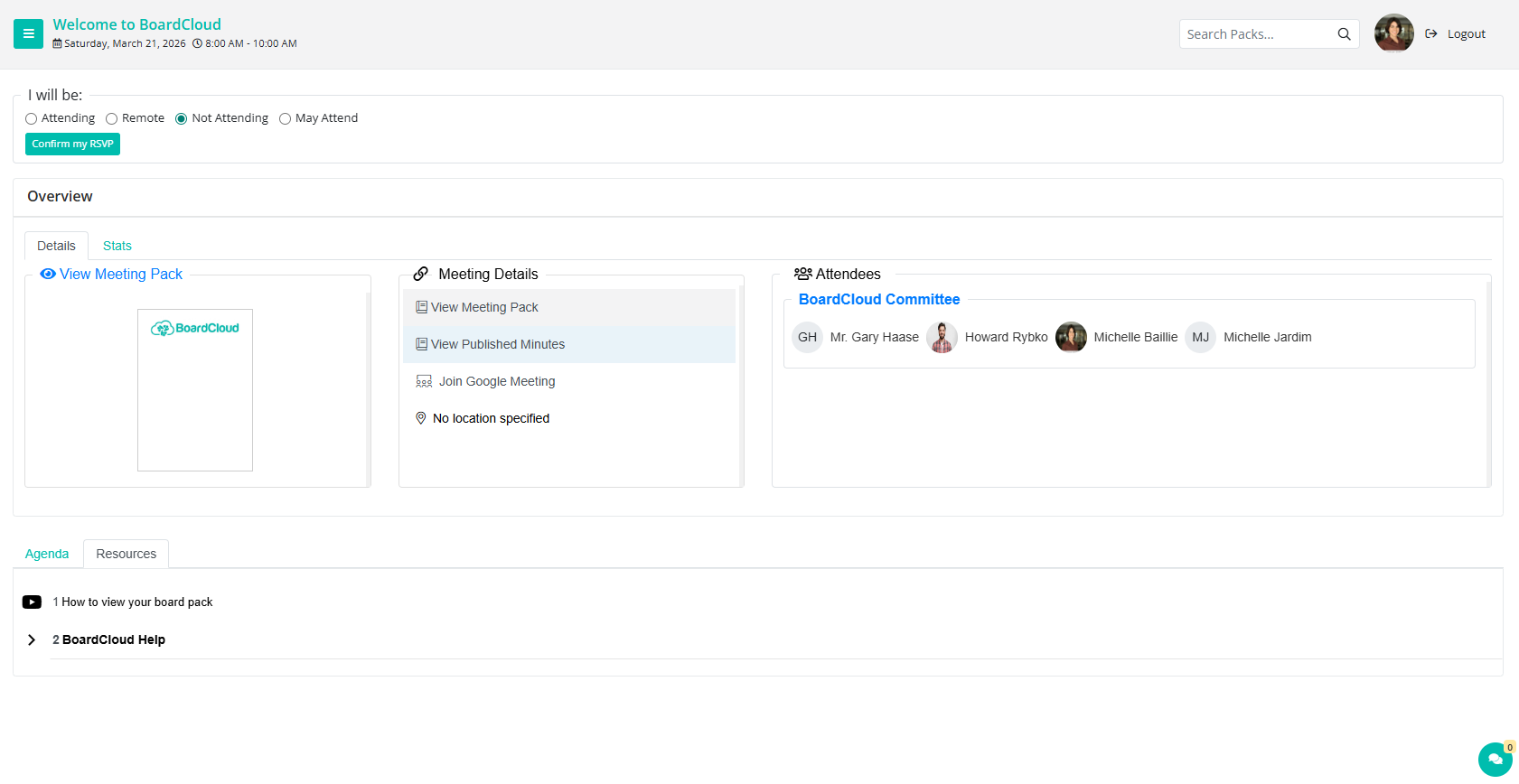
- Available via the Resources tab
- Accessible even outside of meetings
- May be downloadable depending on permissions
Stats, Chat & Advanced features
These features are available depending on meeting configuration:
- Engagement and activity reports (Stats tab)
- Attendance tracking
- In-meeting chat
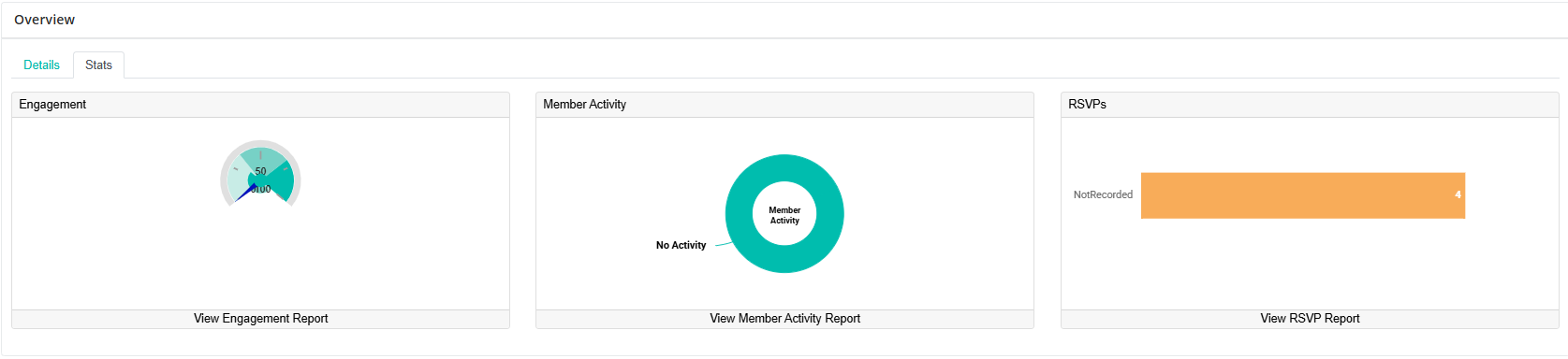
Stats Tab
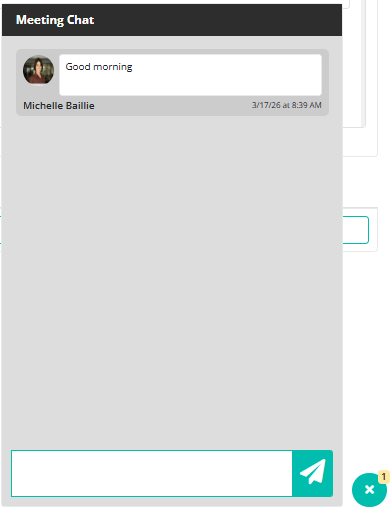
In-meeting Chat