
Use External Minutes Document
Use External Minutes Document
This option allows you to upload your own minutes file instead of generating them automatically.
Select Use External Minutes Document.
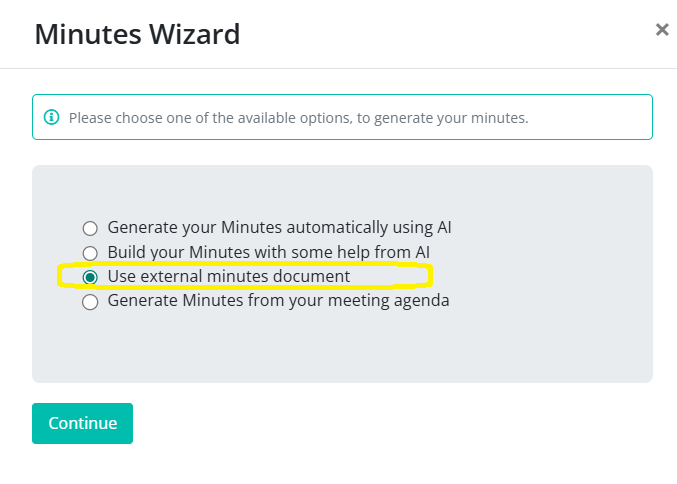
Step 1: Upload Your Document
When you select this option, a pop-up will appear. Here you can upload your external minutes or transcription file.
Accepted file types are .doc and .docx
Click Continue once you’ve selected your file.
Step 2: Finalize Your Minutes
On the next screen, you can choose whether to include:
- Attendees
- Motions
- Tasks
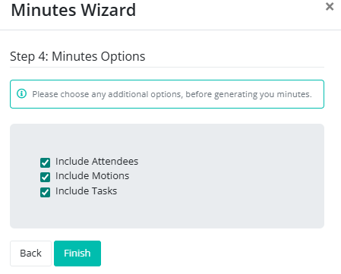
When you are ready, click Finish to generate your minutes.
Your minutes will appear and can still be edited as normal.
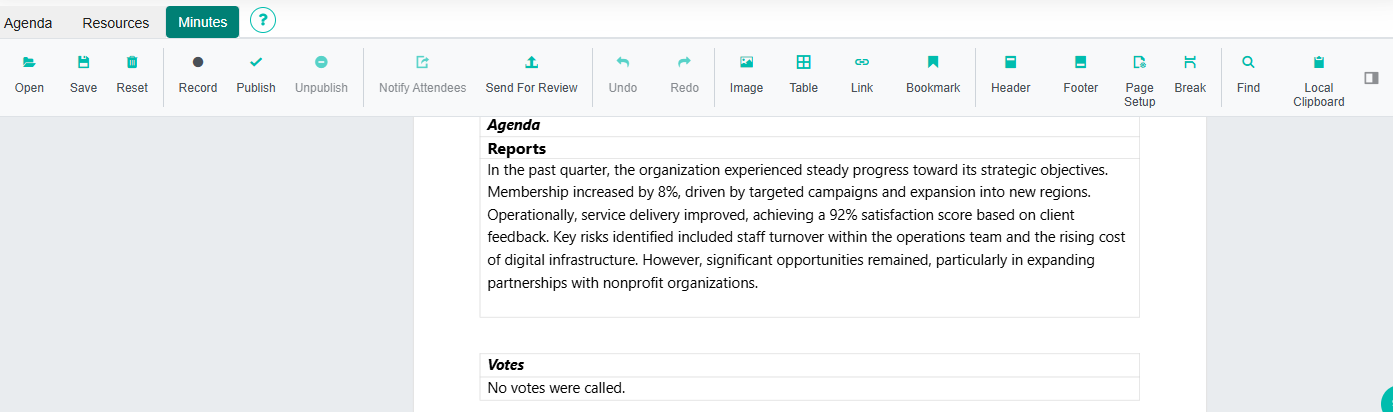
Important: Resetting the minutes will clear the document completely.