
Minutes Wizard

Minutes Builder Overview
BoardCloud’s Meeting Minutes Builder is designed to save you time and help you produce professional, accurate, and well-structured meeting minutes with ease.
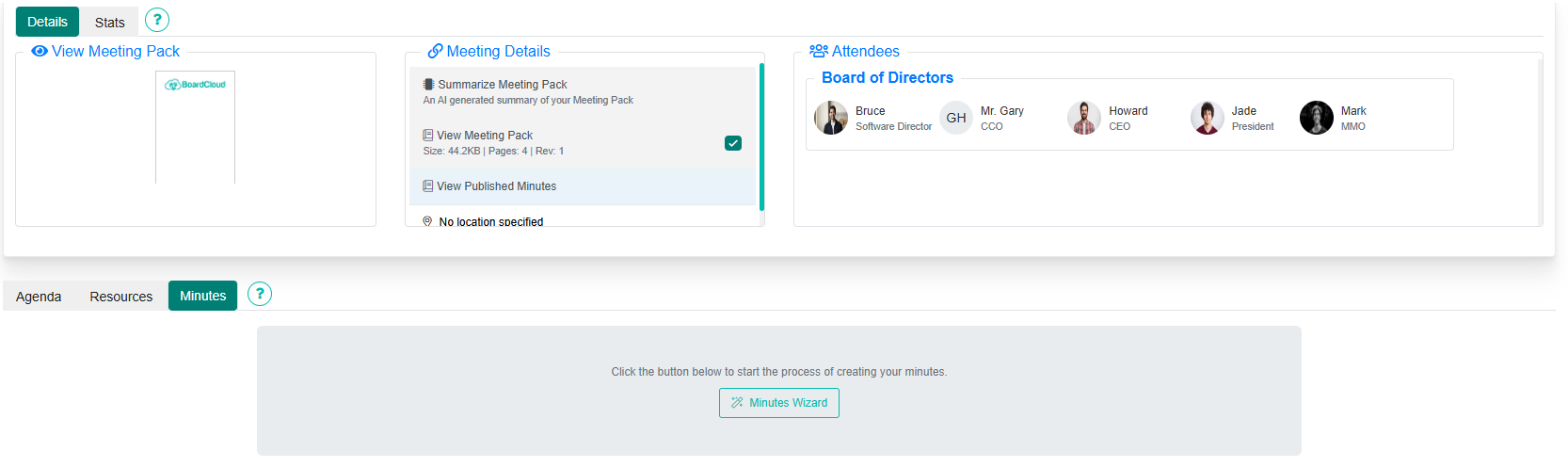
Below is an example of a new meeting with the Minutes Builder tab open:
Using the Minutes Wizard
You can create your meeting minutes using the Minutes Wizard in two ways:
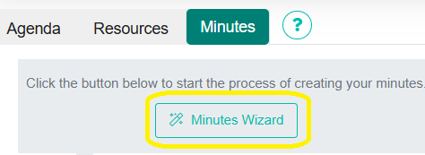
- From the Minutes tab under the overview, click Minutes Wizard, or
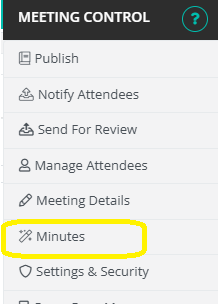
- From the Meeting Controls (cog icon, top right corner), select Minutes.
Once you click either of these, you’ll be asked to choose one of these options: