
Unpublishing Meeting
Unpublish a Board Pack
When to Unpublish
- A fundamental error or omission is discovered.
- Changes are required to the agenda or supporting documents after publication.
How to Unpublish
- Open the meeting.
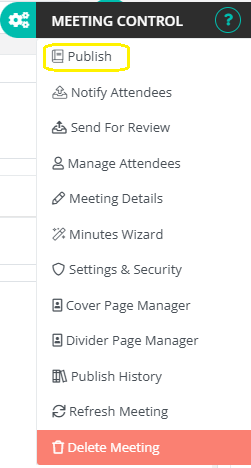
- Click the Cogs (Meeting Control) menu.
- Select Publish.
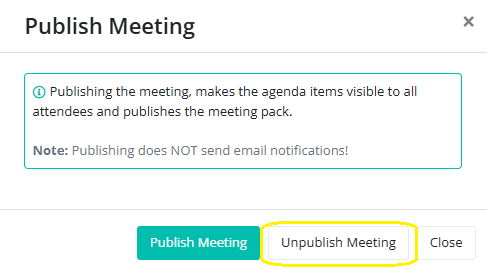
- In the dialog, choose Unpublish.
What Happens When You Unpublish
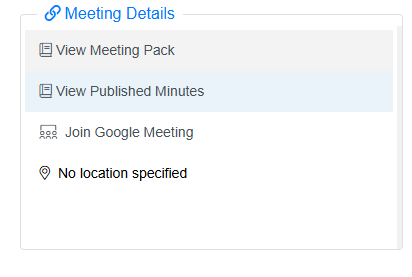
When a pack is unpublished, the green check mark next to View Meeting Pack disappears in the meeting details.
This indicates that the pack is no longer visible to members.
The pack and its agenda items are hidden from all members and the unpublish action is logged for audit purposes.