
Republish Meeting
Republish a Board Pack
When to Republish
Use republish when errors or omissions in the original published pack have been corrected, or when updated documents need to be issued to members.
How to Republish
Republishing is done the same way as publishing.
- Open the meeting
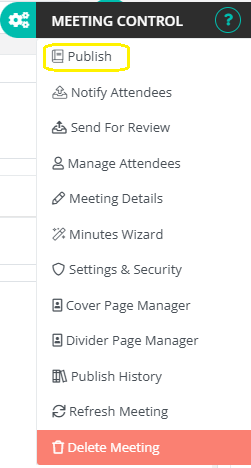
- Click the Cogs (Meeting Control) menu in the top-right corner.
- Select Publish
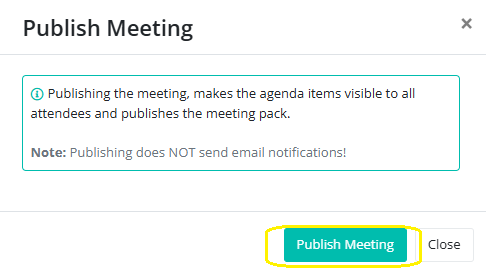
- Then confirm to publish the updated pack.
Confirmation After Republishing
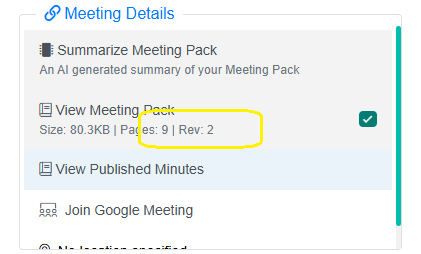
The green check mark next to View Meeting Pack reappears, showing the updated pack is live.
The number of revisions is displayed next to the check mark, providing a quick reference for version history.
The previous version is automatically marked as superseded.
An audit trail is preserved in the Publish History dialog.
Members automatically see the updated pack; no additional emails are required.