
Related Forms
Related Forms
Forms in BoardCloud can be linked to a meeting, a committee, or exist as standalone forms. This determines who can access them and where they appear in the system.
Meeting
This indicates that the form is linked to a specific meeting.
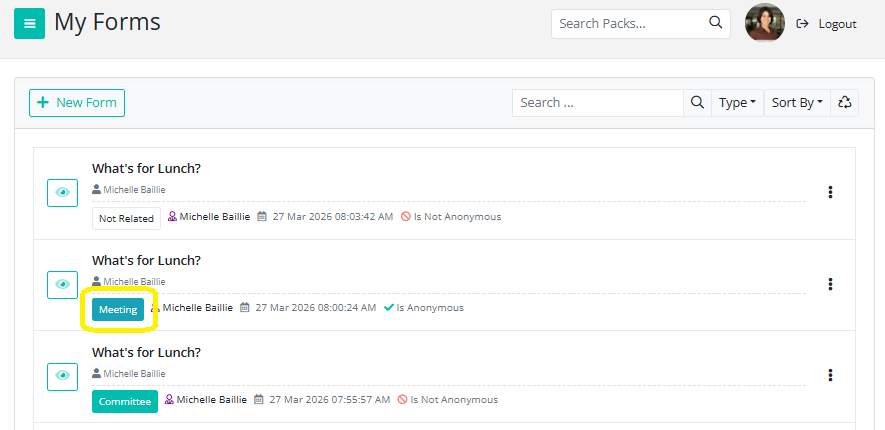
- Hover over the Meeting button to view the meeting title, date, and time
- Click the button to go directly to the associated meeting
- The form may also appear within the meeting agenda (if added), making it easy for members to complete it as part of their meeting preparation or during the meeting
Only users who have access to that meeting will be able to view and complete the form.
Committee
This indicates that the form is linked to a specific committee.
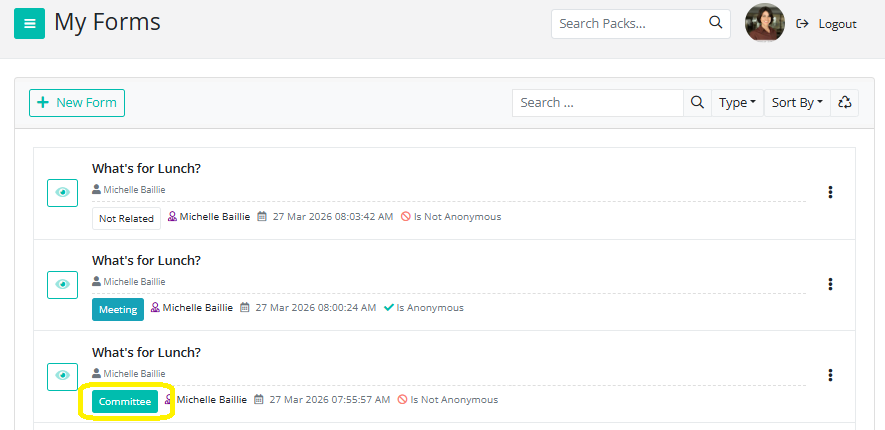
- Hover over the Committee button to view the committee name
- Click the button to navigate directly to the committee
- The form will be available to members of that committee via the Forms Register
Only members of the selected committee will have access to the form.
Not Related
This refers to a standalone form that is not linked to any meeting or committee.
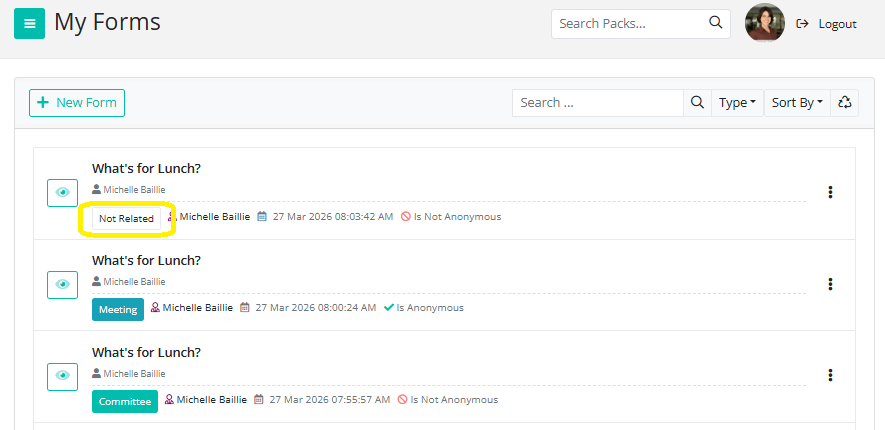
- These forms are typically used for general purposes (e.g. surveys, feedback, or ad hoc data collection)
- Access is controlled by assigning specific members when creating or distributing the form
- The form will appear in the Forms Register for those assigned
If you do not need the form tied to a specific meeting or committee, you can simply create it as a standalone form by leaving the related fields unassigned during setup.
Additional Notes
- Access to forms is always permission-based. Users will only see forms related to meetings or committees they are part of
- Standalone forms must be explicitly assigned to members to ensure visibility
- Linking a form to a meeting or committee helps keep forms organized and relevant to the right audience