
BoardCloud's Minutes Master
BoardCloud's Minutes Master
When you create a virtual meeting an option will available to Invite BoardCloud’s Minutes Master Bot to your meeting.
By selecting the option:
- The Minutes Master Bot will join the meeting at the time meeting and link given.
- The Minutes Master Bot will record the meeting.
- The Minutes Master will automatically produce a transcript of the meeting which will be available in your transcriptions page.
- The Minutes Master will automatically fashion minutes of the meeting from the meeting transcript, the meeting agenda, the attendance list, and the results of any votes taken and tasks allocated.
When you return to the meeting overview the Minutes Master Icon will appear in your list of meeting attendees, this indicates that the Minutes Master will be attending the meeting and will perform the above listed actions. 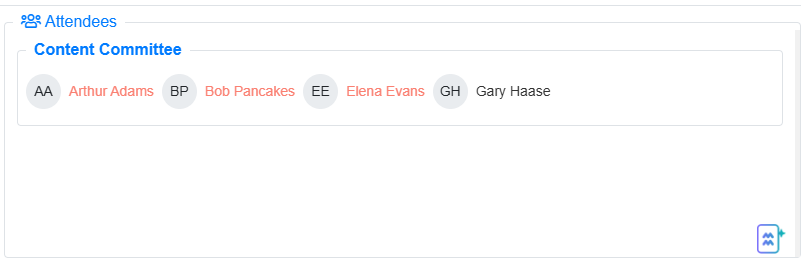
A few minutes after the meeting is finished you will receive an email confirming that your minutes have been created. You will find under the minutes tab

You can use the minutes editor to make any adjustments to text and customisations to the font and format.
To learn more about BoardCloud’s Minute Master article or watch this video.