
Group Distributed Votes
Creating a Distributed/Group Vote
Go to the committee page and find the committee you want to distribute the vote to and select the votes tab
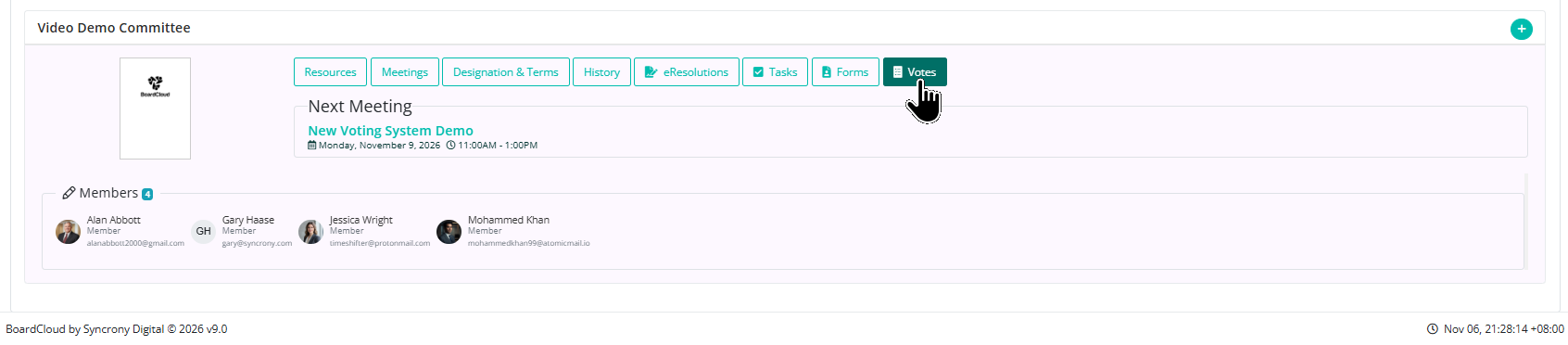
Select New Vote

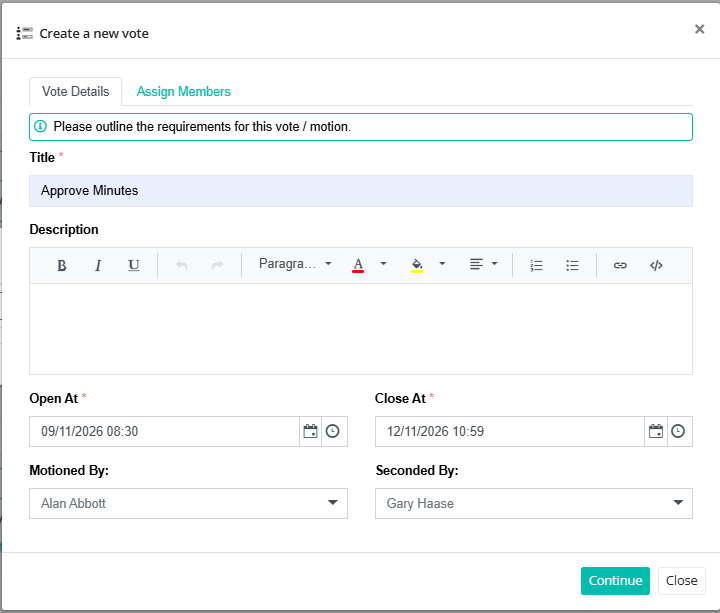
Give the vote a title and description and set the opening and closing times of the vote.
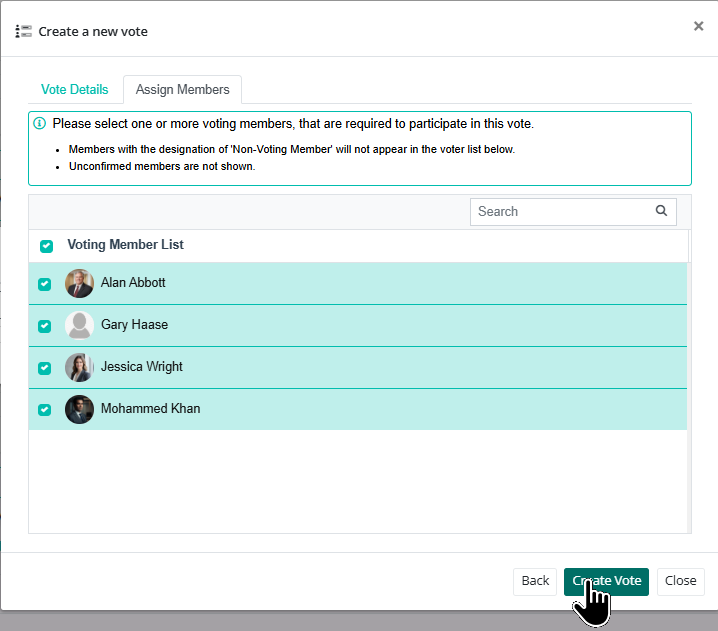
Assign the members you want as part of the electorate
The vote is now created and you can send e-mail notifications of the vote to the electorate.
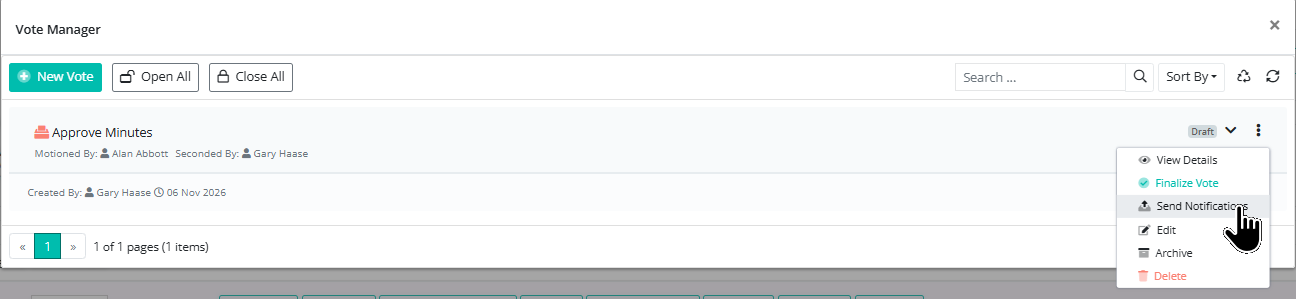
Each member follows the vote link and submits one public ballot during the scheduled window. After the window ends, the administrator will finalize the vote.
NB With Group votes - All eligible members must have voted Yes for the resolution to be carried.