View Chart Results
View Chart Results
The Chart Results view allows you to visualize form responses in different formats, making it easier to interpret and present your data. Depending on the type of question and responses received, you can switch between various chart styles to highlight trends, compare answers, or review written feedback at a glance.
Chart availability depends on the question type (e.g. Word Cloud only for text responses, Scatter for numeric data).
Anonymous forms will not display participant names (especially for “Text in a Table”).
Results can be used for reporting or meeting discussions (nice BoardCloud context).
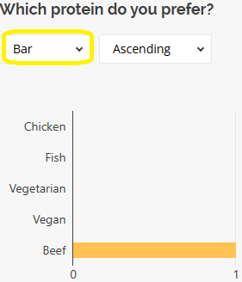
Bar
Displays responses as bars. Ideal for comparing the number of times each option was selected.
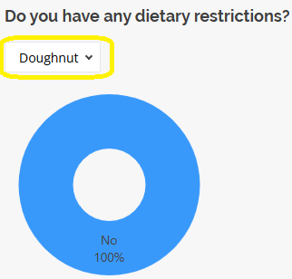
Doughnut
A circular chart similar to a pie chart, with a hole in the middle. Great for visualizing proportions.
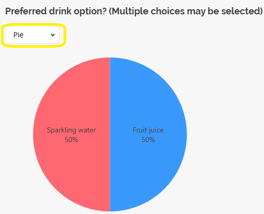
Pie
Shows the percentage share of each answer in a whole. Best for simple, multiple-choice data.
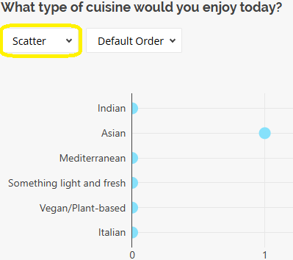
Scatter
Plots responses on an X and Y axis. Useful for numeric or coordinate-based responses.
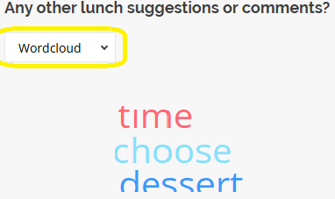
Word Cloud
Highlights frequently used words in text responses. Larger words appear more often.
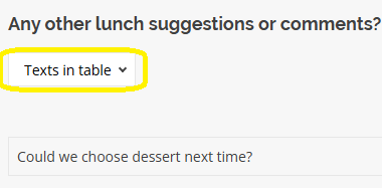
Text in a Table
Displays written answers in a simple table format for easy reading or copying.