
Statuses of Tasks
Open Tasks
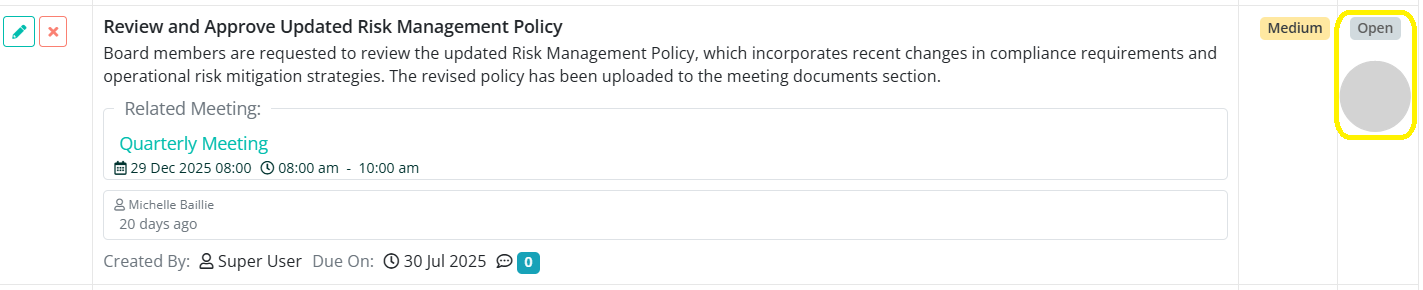
An Open Task will have a grey circle under the Status section on the My Tasks dashboard.
Completed Tasks
A Completed Task will have a green check mark next to the assigned member(s) name and a small, green rectangle with the word Completed under the Status section on the My Tasks dashboard.

Canceled Tasks
A Canceled Task will have an orange X next to the assigned member(s) name and a small, orange rectangle with the word Canceled under the Status section on the My Tasks dashboard.
