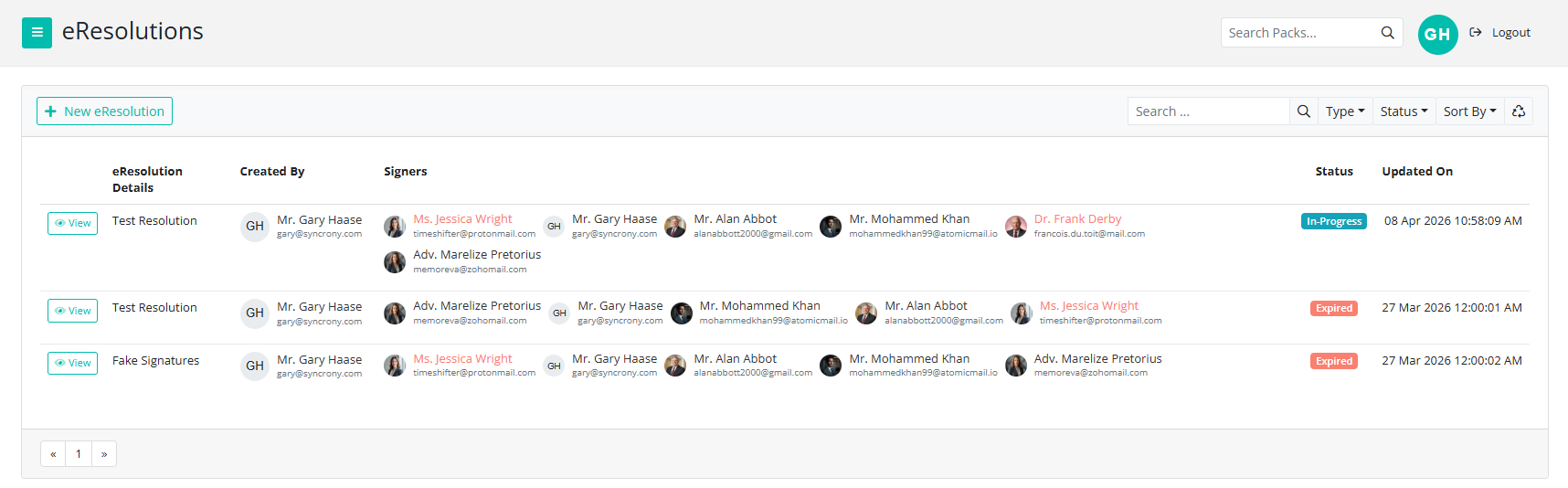
The Resolutions Page is a central hub for your resolutions. Administrators can track the status of documents as they go through the signing process. It shows:
- The resolution title
- Who the resolution was created by
- The signatories it has been sent to
- The Status of the resolution (which is in this example In-Progress)
- When the resolution was last updated.
Tracking the Resolution Process
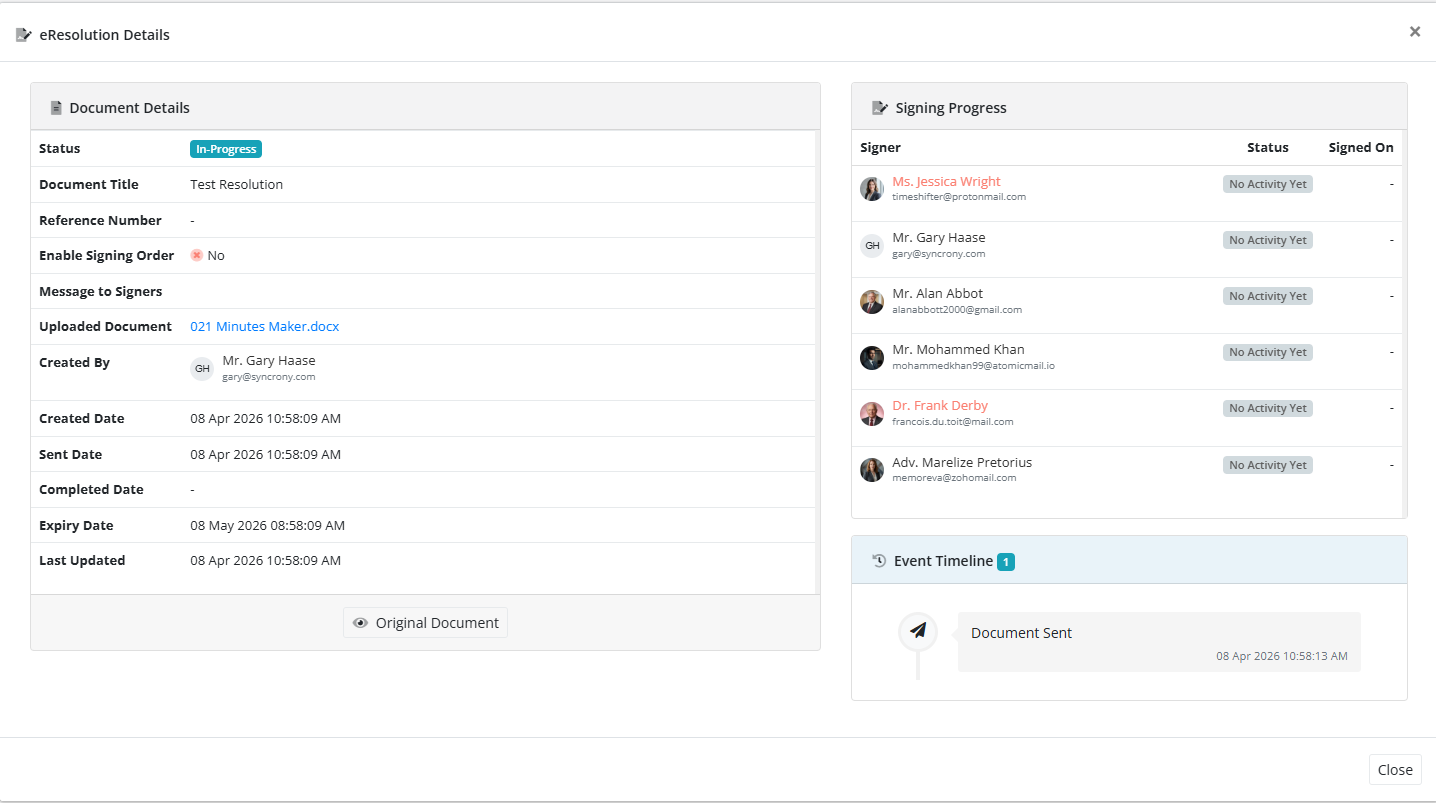
Clicking view opens the Resolution details window. On the left side are the Document Details including any expiry date and on the right side are the Signing Progress and the Event Timeline trackers.
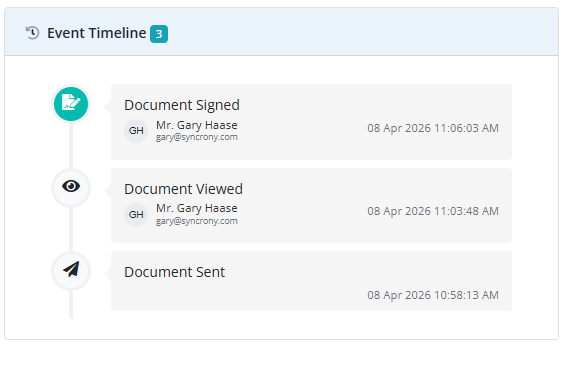
As the signatories view and sign the document both the Signing Progress and Event Timeline trackers will reflect this. Once all the signatories have signed the status on the main page will reflect this.